 SleuthLens
Report · Feature
Reports your clients can open without a login
Create a branded report page for a client, share the link, and print it to PDF. Nothing else in your account is exposed.
What you get
What it does
Your brand
Add your name, colour and logo so the report looks like yours.
Read-only link
Clients open a single page. They cannot see your other sites or settings.
Pinterest results
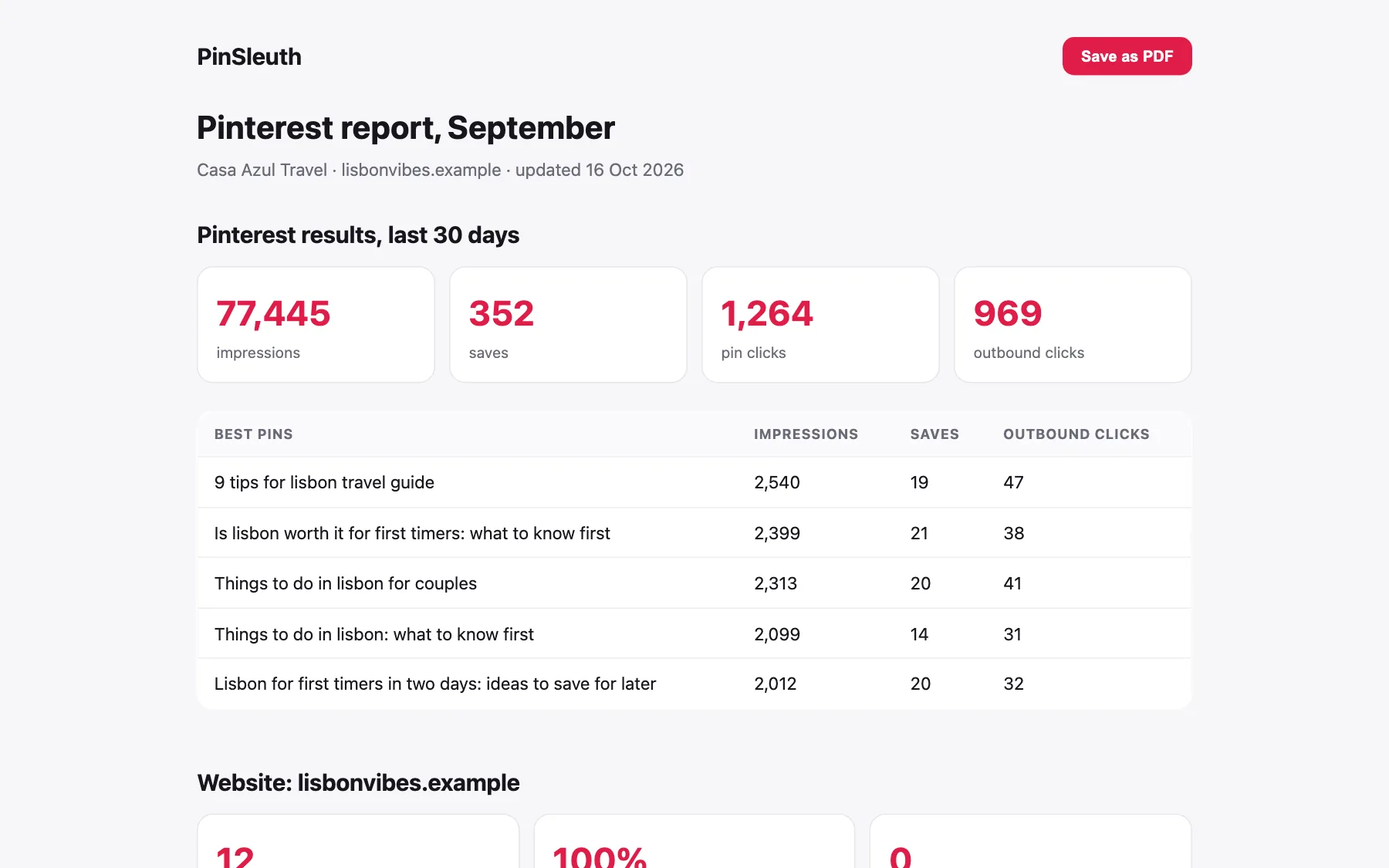
The report shows the connected account’s impressions, saves, clicks and best pins. A weekly digest also arrives in your inbox.
Three steps
How it works
Choose the account
Pick the connected Pinterest account and give the report a title.
Copy the link
Send it to your client, or open it and print to PDF.
Keep it fresh
The page always shows the latest numbers.
Questions
Common questions
Can clients see my other data?
No. A report link shows one account’s results and nothing else.
Can I remove a link?
Yes. Deleting a report makes its link stop working.
Keep going
Works well with
Start your 14-day free trial
Pick a plan, add a card, and pay nothing if you cancel within 14 days.