 SleuthLens
Plan · Feature
See what to pin, and when
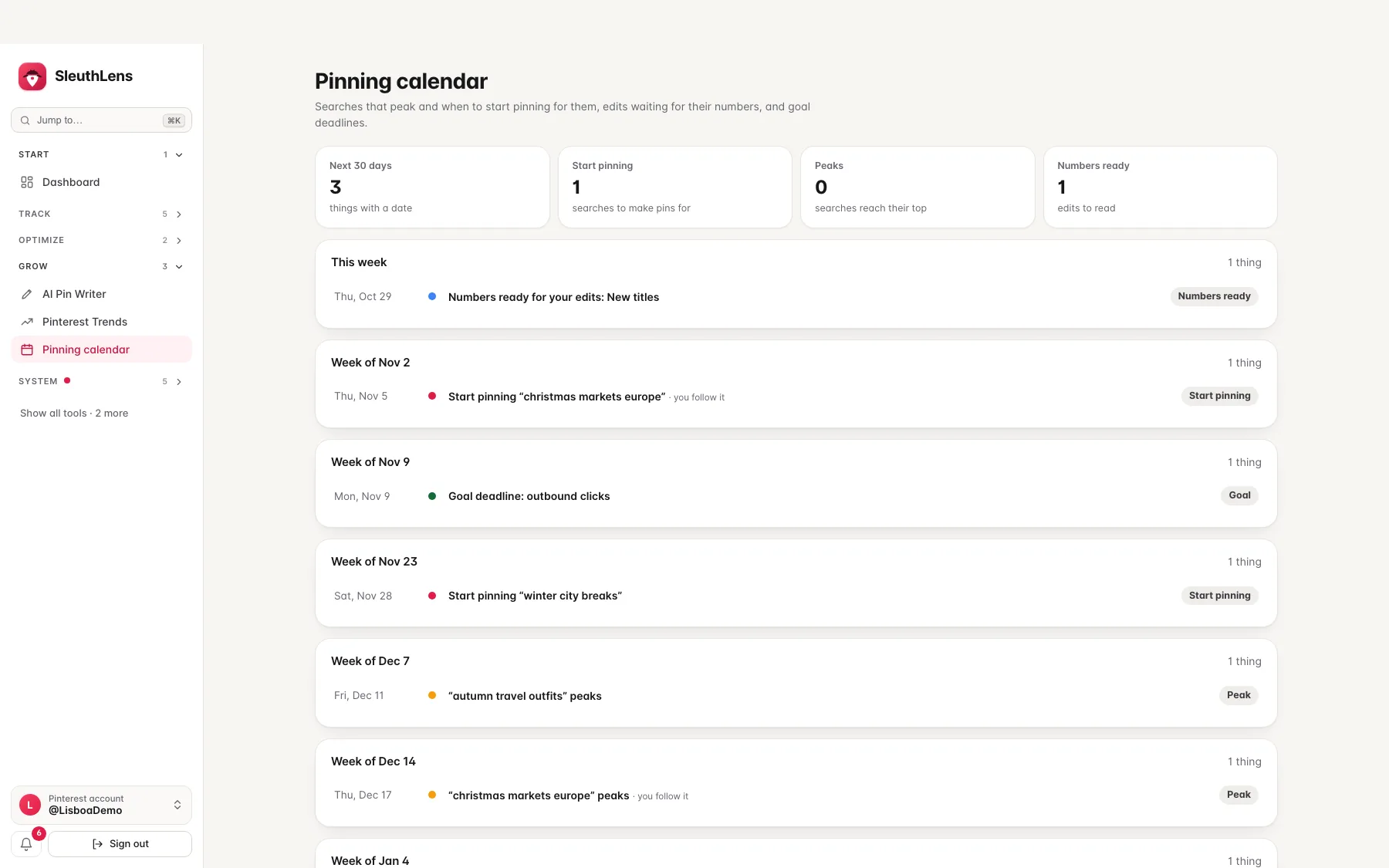
Everything with a date in one calendar: searches that peak, the day to start pinning for them, edits that are ready to be read, and your goal deadlines. It only reads what SleuthLens already knows.
See it work
Start before the peak
Peaks, start dates, edits and goals, week by week.
What you get
What it does
Start before the peak
Searches you follow and trends that fit your pins show their peak and a start-pinning date six weeks before, so the pin is ready when people search.
Your edits and goals in the same place
Edits that have waited long enough to be read show as one line a week, and your goal deadlines sit beside them.
One click to the work
Every line opens the right page: the pin writer for a search, the report for your edits, your goals.
Three steps
How it works
Follow searches on Pinterest Trends
Follow the searches that matter to you.
Open the calendar
See the weeks ahead and what has a date.
Write the pin in time
Press a start-pinning line and the pin writer starts from that search.
Questions
Common questions
Where do the dates come from?
Peaks come from Pinterest’s forecast or from the same time last year. The start date is six weeks earlier, a rule of thumb: pins need weeks to get going.
Does it schedule pins?
No. SleuthLens does not post or schedule anything. You make the pin and publish it on Pinterest.
Can I see my scheduled pins from Pinterest?
No. Pinterest does not let other tools read the pins you scheduled in its own scheduler.
Keep going
Works well with
Start your 14-day free trial
Pick a plan, add a card, and pay nothing if you cancel within 14 days.